Why TypeScript?
Andrew Pareles (@Kubester)
Scripting
There are a handful of reasons why we use TypeScript as our scripting language.
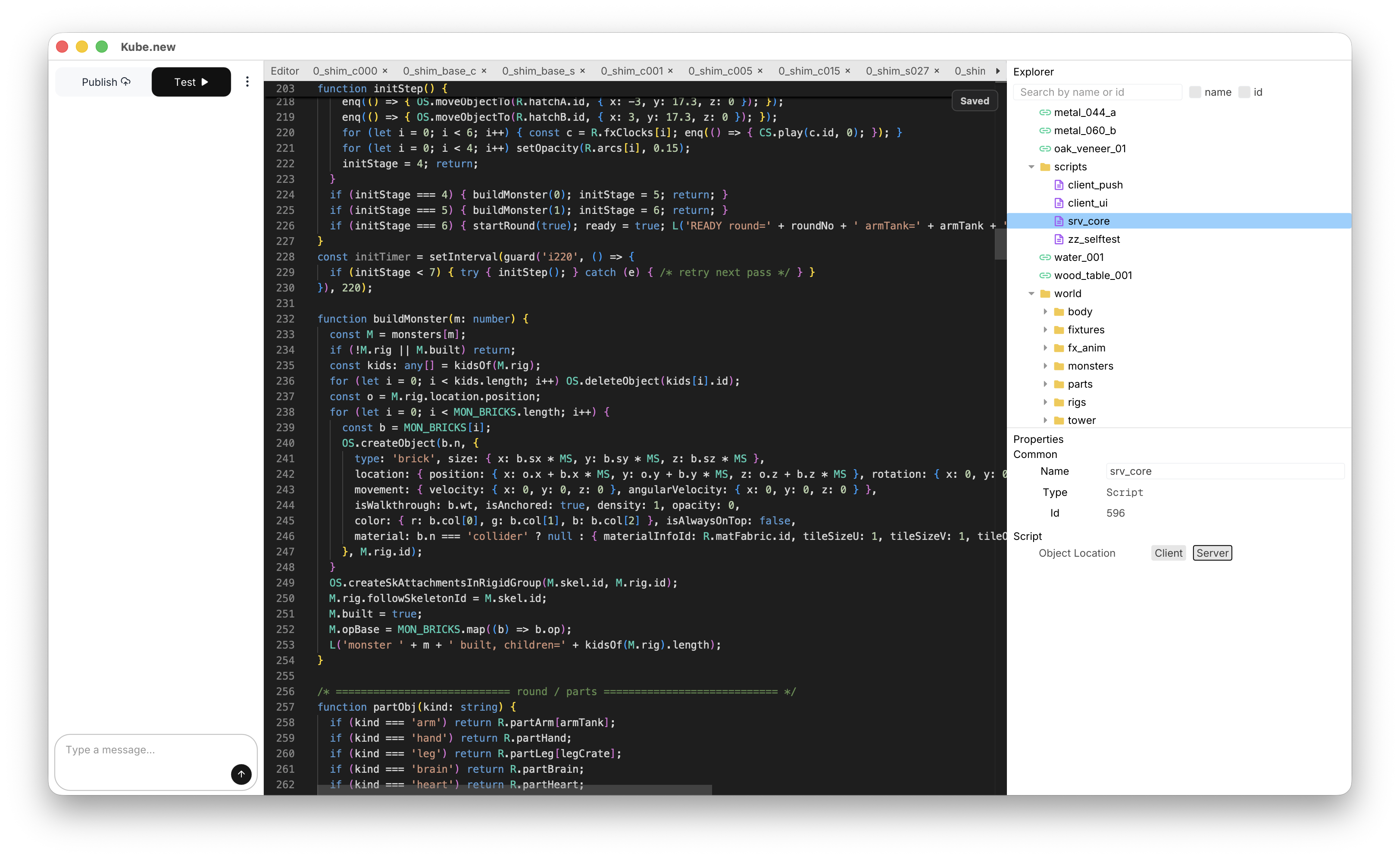
1. UI
TypeScript is the main way people build UI today. We can steal its syntax, and that way the AI will already know how to use it in Kube.new! For example, the AI can write this in Kube.new:
// We implement all of this!const MyComponent = () => { const [state, setState] = useState(5) return (<div className="top-center"> The state is: {state} </div>);}render(<MyComponent />)2. Server/Client Communication
TypeScript has 'use server' logic that we copy and implement. It is the primary way our Server and Client communicate. For example, a server script is allowed to look like this:
'use server'export function clientCanCallThis(...args) { // Call this from the client!}And a Client script is allowed to look like this:
'use client'export function serverCanCallThis(userid: number, ...args) { // Call this from the server!}We talk about how we implemented this in our Script Networking blog.
3. Built-In Type System
TypeScript comes with great typechecking and linting! Duh. It's TypeScript. We lint the code every time the AI changes it. Check out our TypeScript API, which comes directly from our TS types.
4. Built-In Modular Import
TypeScript gives us imports and exports, unlike Lua. This makes it easy to have modular code.
// This is valid in Kube.new!import { functionName } from './child_name/script_name'5. Lightweight
TypeScript is lightweight enough to run on both the Server and the Client.
// This is valid in Kube.new!setTimeout(() => { const brick = getObjectByName("my-brick") brick.location.x = 20;}, 1000)6. It's Not That Hard For Us To Implement
Kube.new is built using Rust. In order to run TypeScript, we use Deno which runs on V8.
Deno lets us run one "step" of awaiting scripts, by calling poll_event_loop1. That's exactly the abstraction we would want to build with. Before the physics tick, we simply run a script "tick".
Deno also lets us implement any TS function in Rust using Deno ops. This is how we implement our whole TS backend. We made it so you can write very natural code like below. All we had to do was wrap all TS objects in a Proxy and call our Rust backend:
let brick = getObjectByName("my-brick")// These all actually affect the brick!brick.location.x = 10brick.location = { x: 20, y: 20, z: 20 }brick.movement.x = 30brick.movement = { x: 20, y: 20, z: 20 }brick.color = { r: 10, g: 20, b: 30 }brick.isPushable = truebrick.isWalkthrough = true// ...We also implemented tick() so you can await the next physics tick:
while (true) { // Do something... await tick();}It also wasn't that bad for us to implement a "watchdog", which stops the scripts if they stall for too long. If you have an await every so often like the above code, it won't stall. 2
We're very excited to be using TypeScript as the scripting language for kube.new. There are a lot of benefits and we're happy to be innovating here.
Footnotes
-
It starts all the currently
awaiting code, runs it, and then yields when the next layer ofawaits is reached. ↩ -
The one downside is that if one script stalls, then all scripts are stopped. That's just how JS isolates work. However, this is quite rare, and is relatively common for video game scripts. ↩